Problem
DevTools exposes the properties of one DOM element, but not its place in the visual system. Designers still have to compare similar buttons, cards and text styles by hand to confirm an accidental deviation.
(Browser extension)
A Chrome extension that finds local interface rules and reveals inconsistencies directly on the page, without manually comparing CSS.
(Product premise)
DevTools exposes the properties of one DOM element, but not its place in the visual system. Designers still have to compare similar buttons, cards and text styles by hand to confirm an accidental deviation.
The interface itself becomes the source of truth. The extension finds recurring components, considers their context and compares the selected element with the majority inside its family.
Product logic, inspection flow, comparison rules, information architecture for the overlay and compact panel, visual system and validation on real interfaces.
(How it works)
The user selects a real element and immediately sees its dimensions, padding, radius and typography. Context stays intact: the overlay remains on top of the interface instead of moving the designer into a separate technical report.
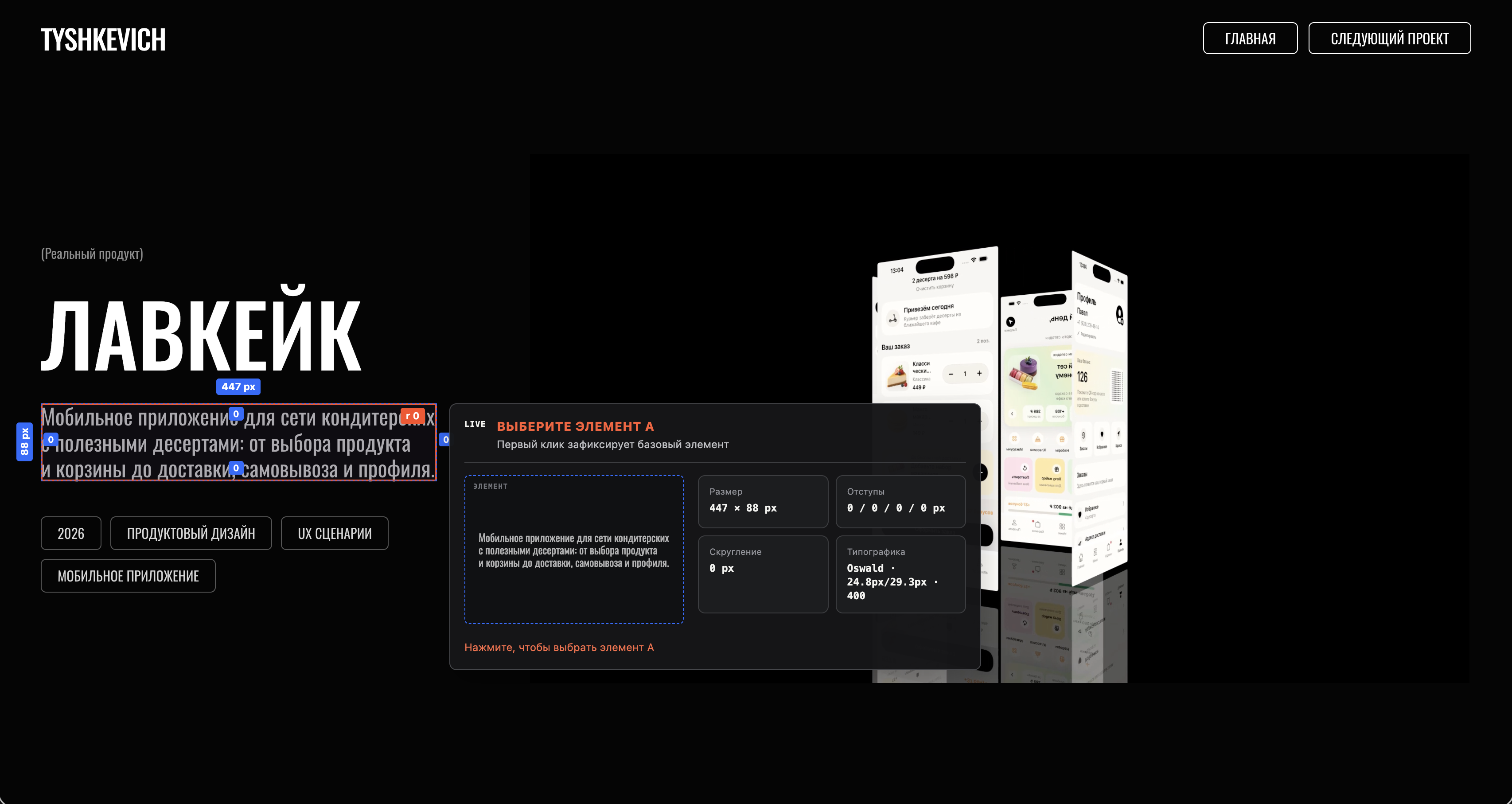
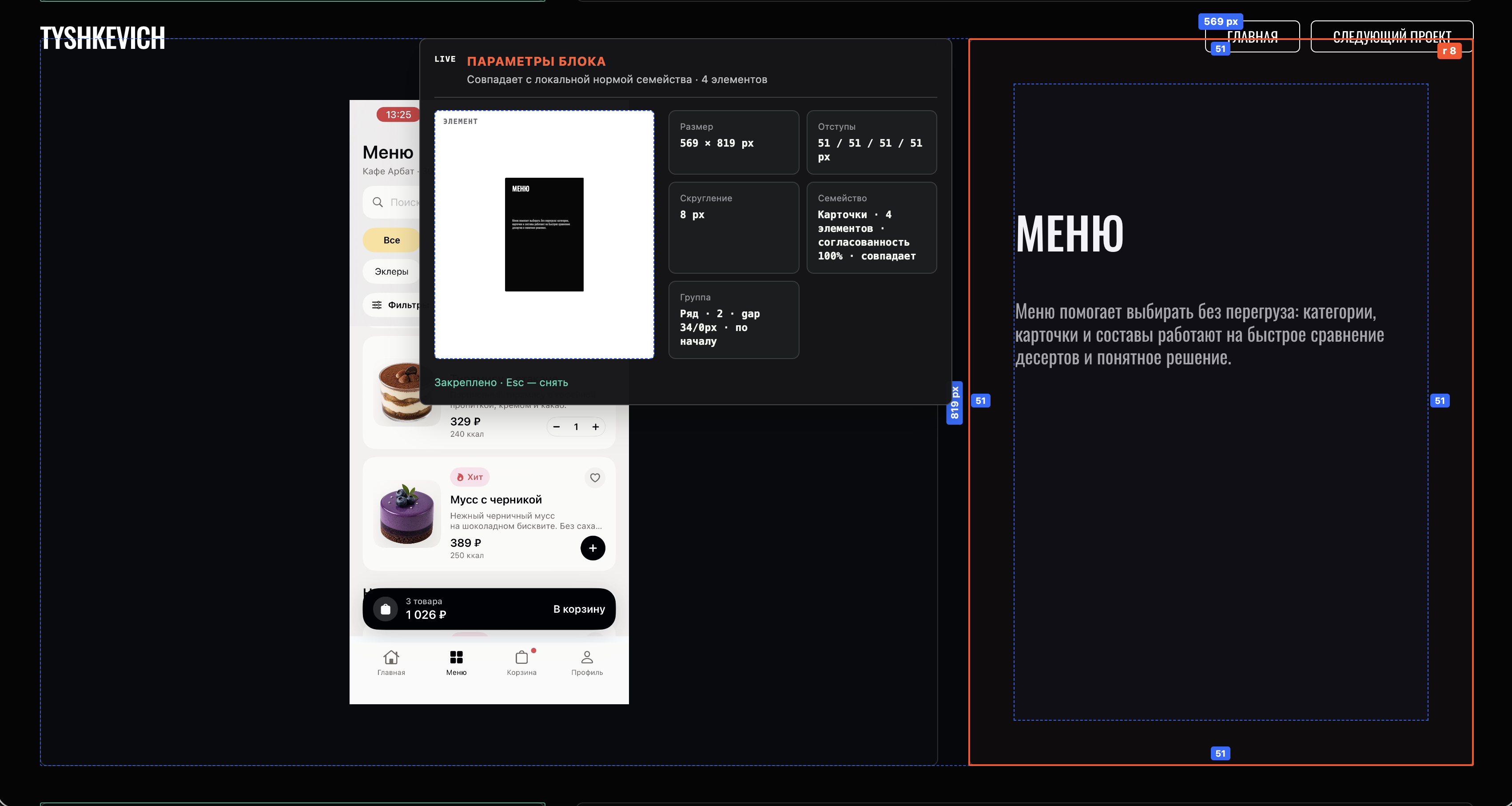
UI Genome gathers a family of similar components and checks the selected element against the majority. If three out of four cards share the same padding and one differs, the tool shows the exact deviation and the number of elements supporting the norm.
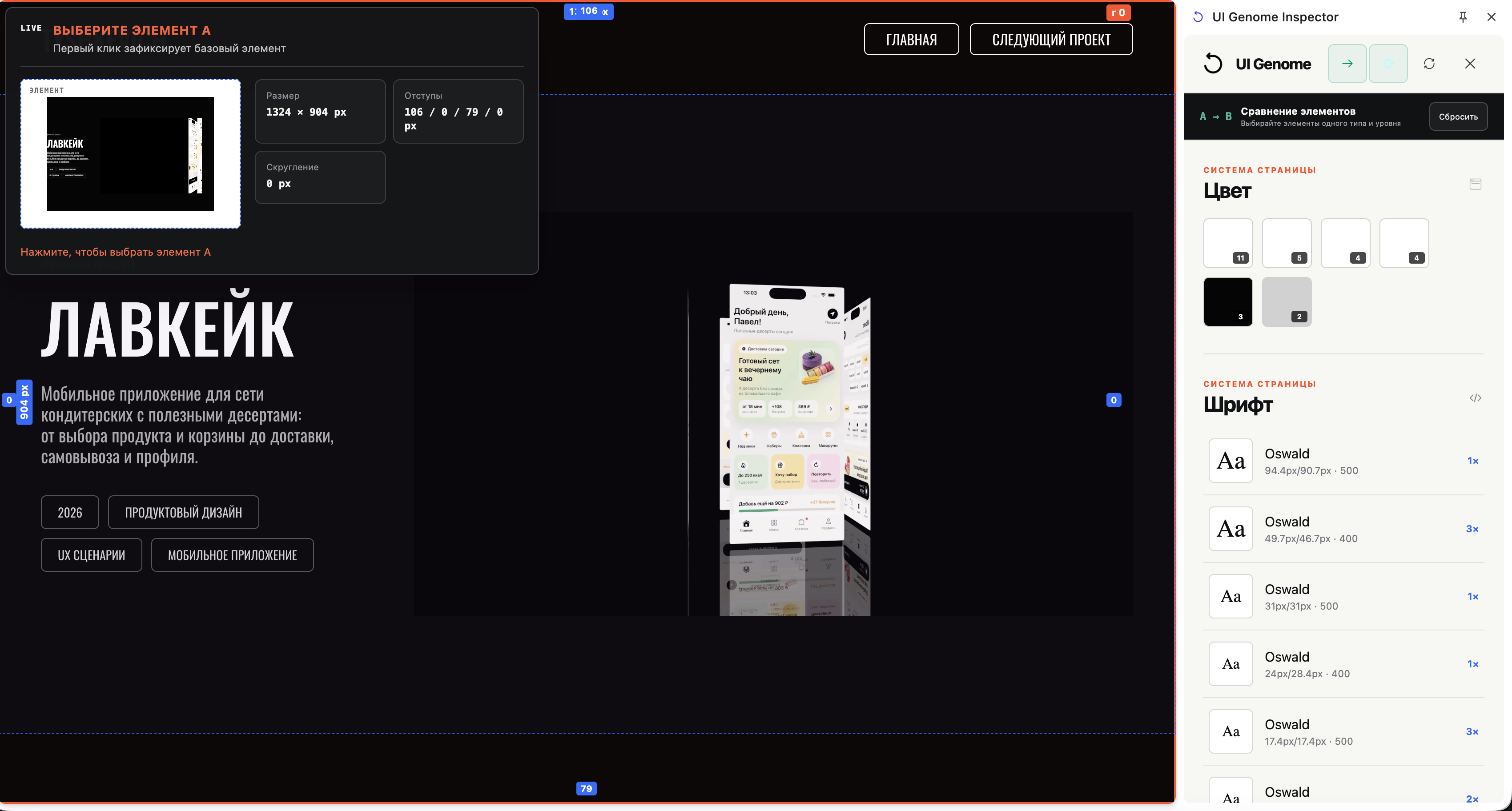
In A/B mode, each element gets its own viewport and parameter set. Different button widths are not reported as errors when the copy explains them, while meaningless pairs such as text and container are blocked before comparison.

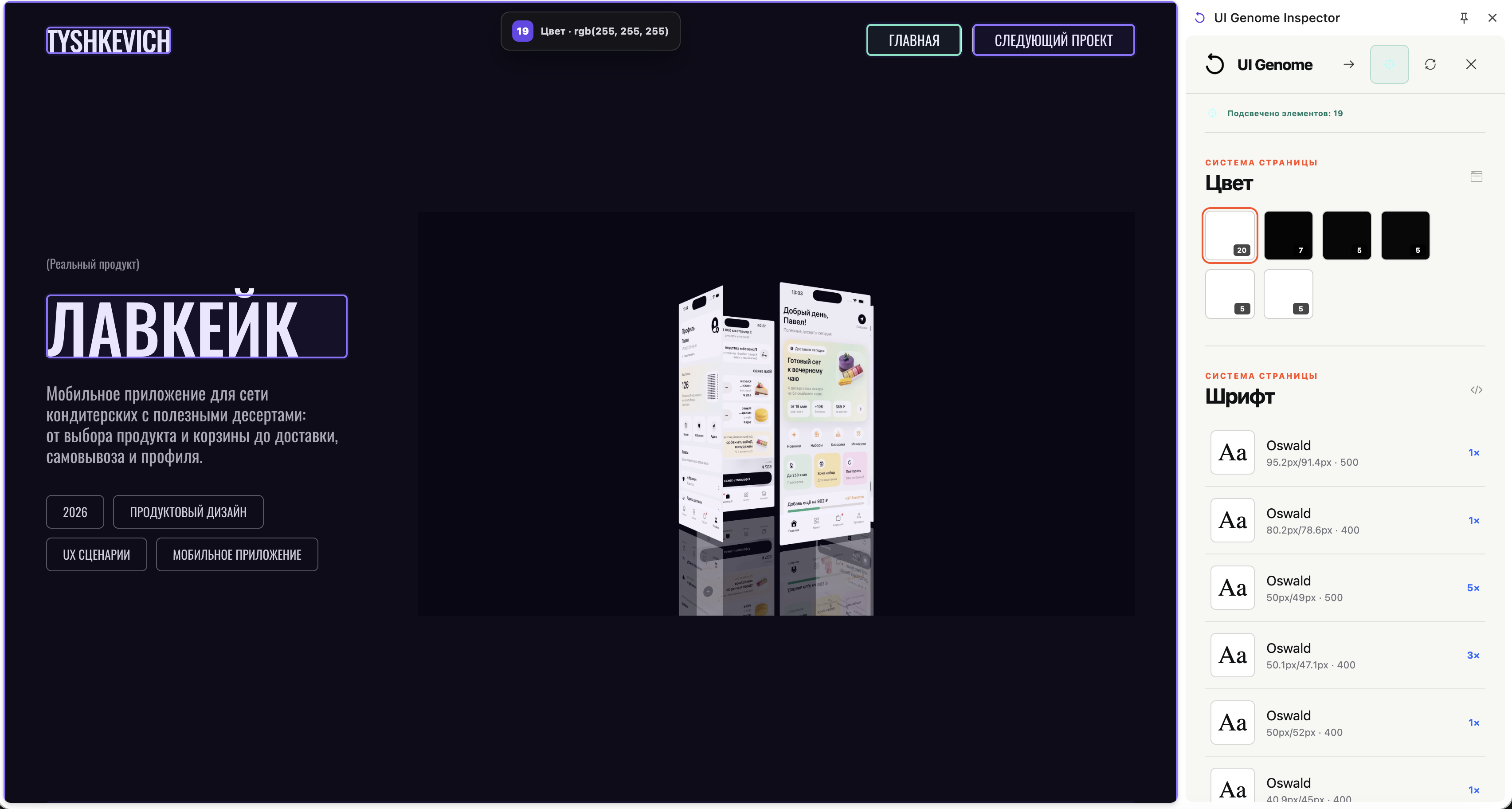
The side panel contains the palette, typography and inspector controls. Element-specific work remains in the overlay, so the panel never turns into another overloaded DevTools.
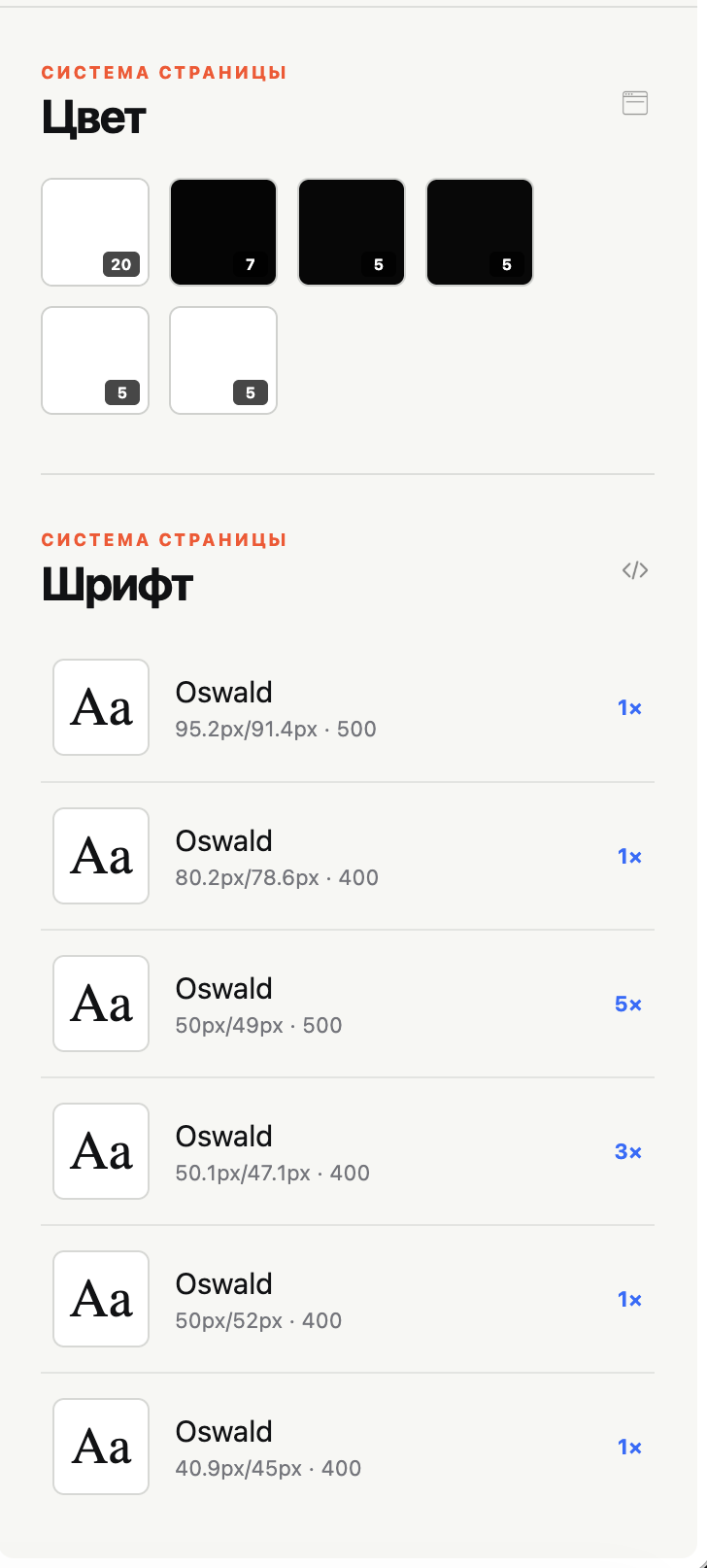
Palette and typography are condensed into short visual lists. Instead of scanning raw CSS properties, the designer sees which values repeat and how often, making stable patterns easy to separate from one-off decisions.
Selecting a parameter highlights every related element on the live page. The user sees the reach of a rule at once, understands where it is repeated and spots the places where the visual system diverges from itself.
(Product value)
Parameters and component context stay in one place, without manually checking every similar element.
Differences are evaluated inside a family and with content in mind, not against a universal checklist.
Every observation can be backed by a concrete size, spacing, radius or typography rule.
The tool works on top of a live interface and supports audits of products, references and competitors.